> ## Documentation Index
> Fetch the complete documentation index at: https://upstash-worktree-docs-descriptions.mintlify.site/llms.txt
> Use this file to discover all available pages before exploring further.
# Add a Payment Method
Upstash does not require a credit card for Free databases. For paid databases, you need to add at least one payment method. To add one:
1. Sign in to the [Upstash Console](https://console.upstash.com).
2. Click your profile in the top right and select `Account` from the dropdown.
3. Open the `Billing` tab.
4. Click `Add Your Card`.
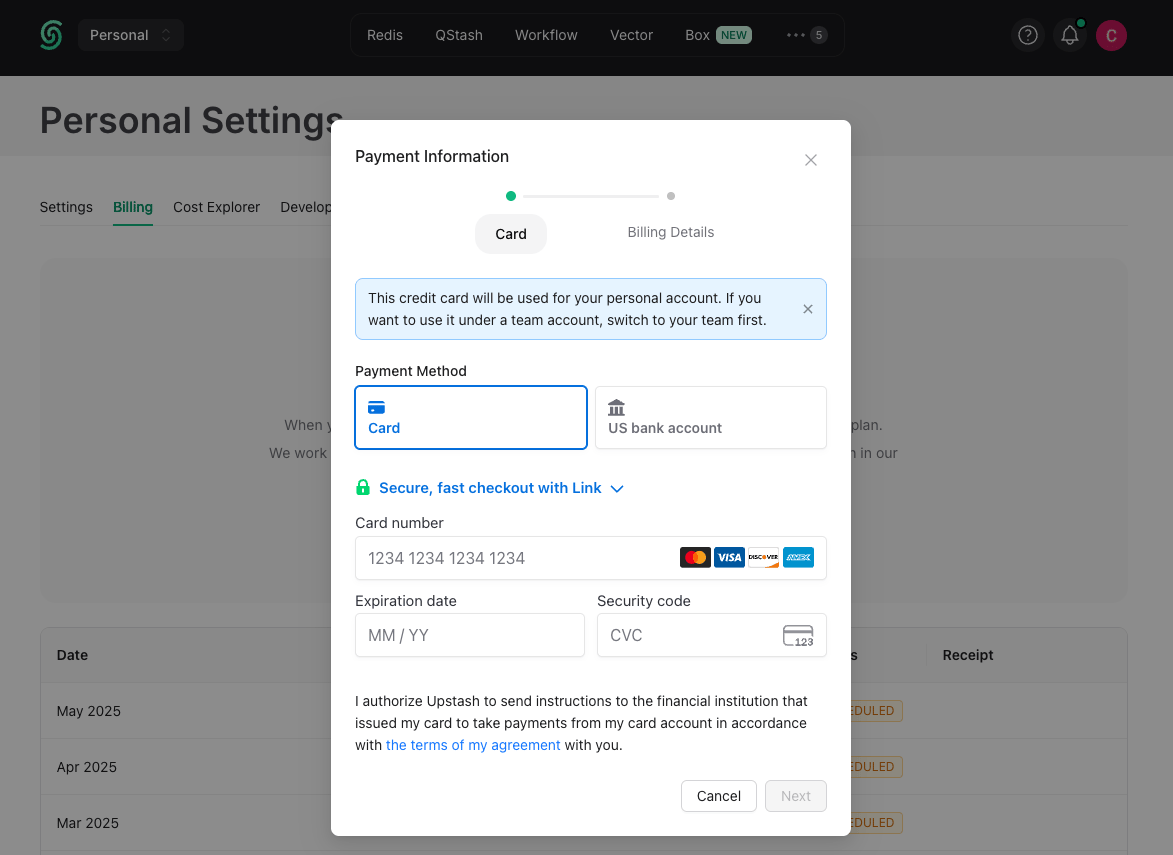
5. Enter your name and card information in the form that appears:
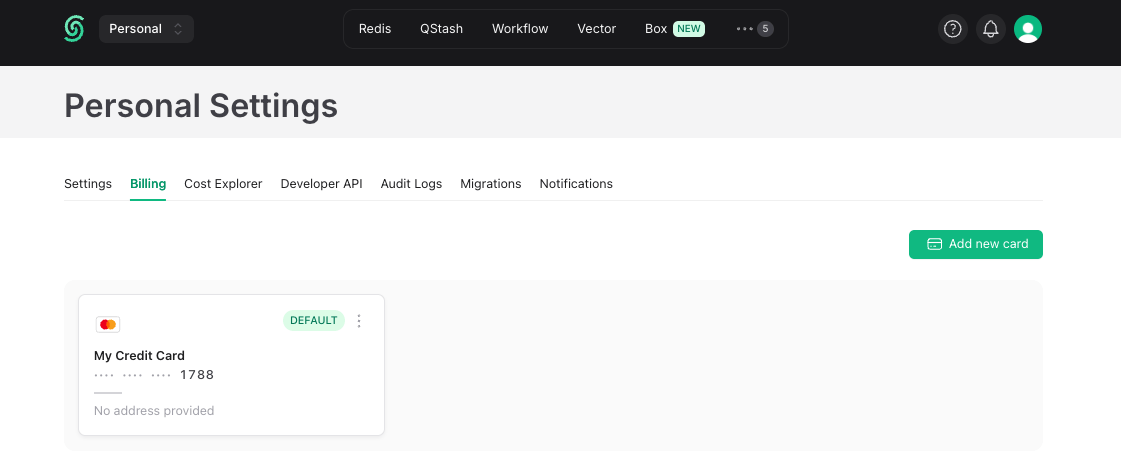
 You can save multiple cards and pick one as the default. Payments are charged from the default card.
 ## Payment Security
Upstash does not store credit card information on its servers. Payments are processed by [Stripe](https://stripe.com/docs/security/stripe).
## Payment Security
Upstash does not store credit card information on its servers. Payments are processed by [Stripe](https://stripe.com/docs/security/stripe).