> ## Documentation Index
> Fetch the complete documentation index at: https://upstash-worktree-docs-descriptions.mintlify.site/llms.txt
> Use this file to discover all available pages before exploring further.
# Credential Protection
> Credential Protection keeps Upstash Redis database credentials out of Upstash infrastructure, exposing them only once at generation for stronger security.
Enabling Credential Protection ensures your database credentials are never stored within Upstash infrastructure. This enhances security by making credentials accessible only once—at the moment they are generated.
Credential Protection is a [Production
Pack](/redis/overall/enterprise#prod-pack-features)
feature.
## How It Works
When enabled:
* Redis database credentials are no longer stored in Upstash infrastructure
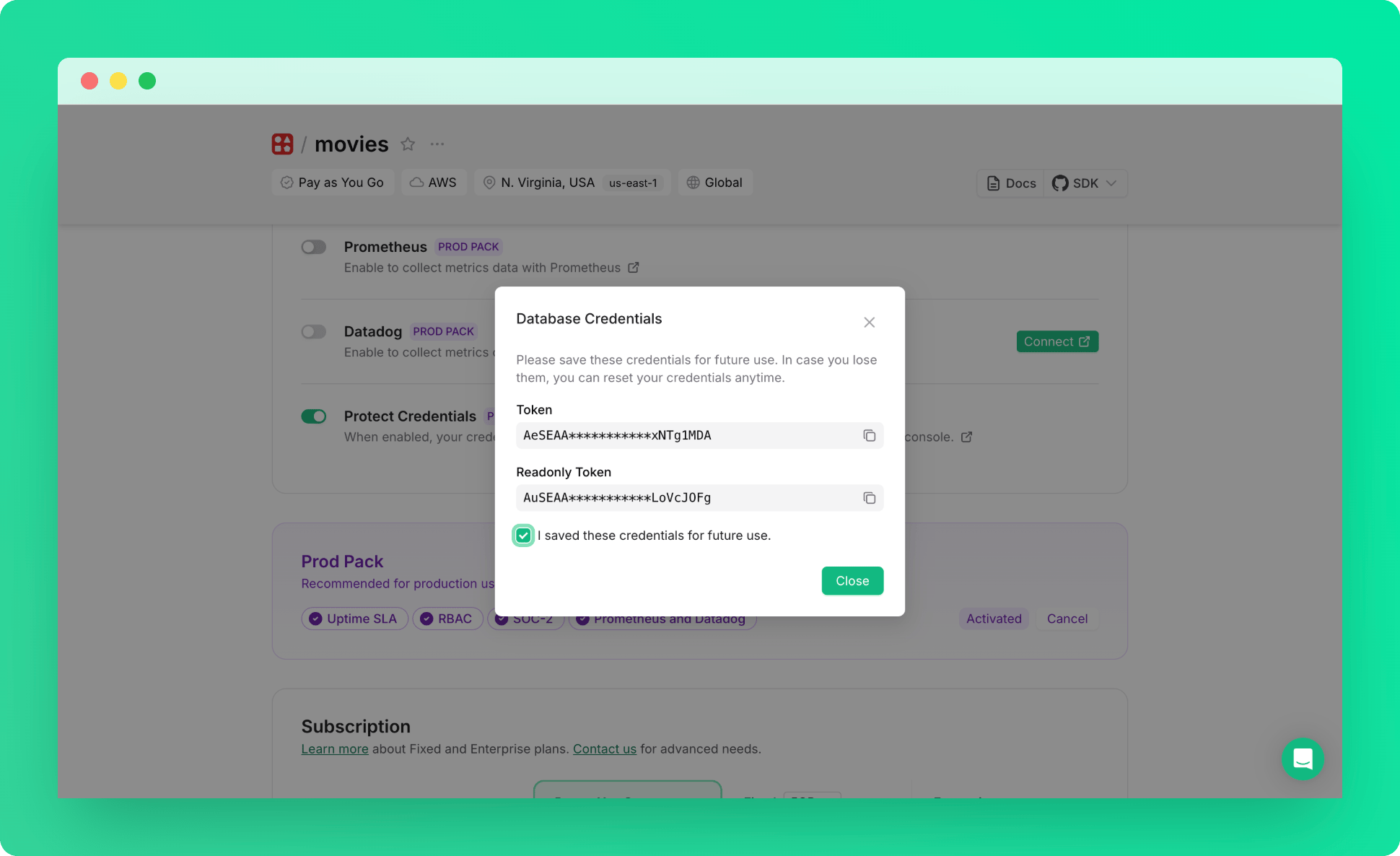
* Credentials are displayed only once during enablement - save them immediately
* Console features requiring database access are disabled (CLI, Data Browser, Monitor, ACL)
## Managing Credential Protection
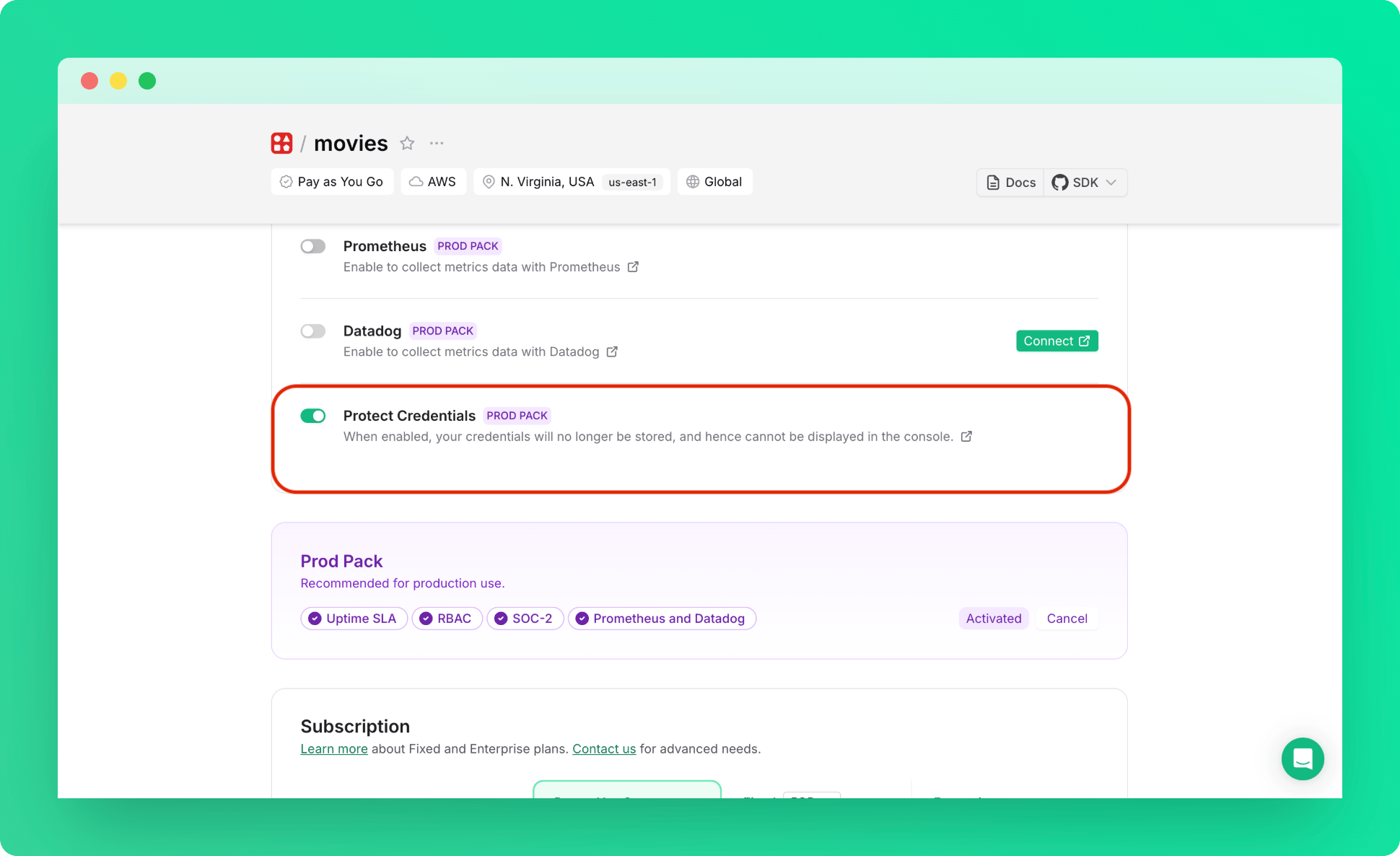
1. Go to database details page → Configuration section
2. Toggle **Protect Credentials** switch:
 3. Save the credentials shown in the modal:
 Disabling this feature will permanently revoke current credentials and
generate new ones, potentially breaking applications using those credentials.
## What If You Lose Your Credentials
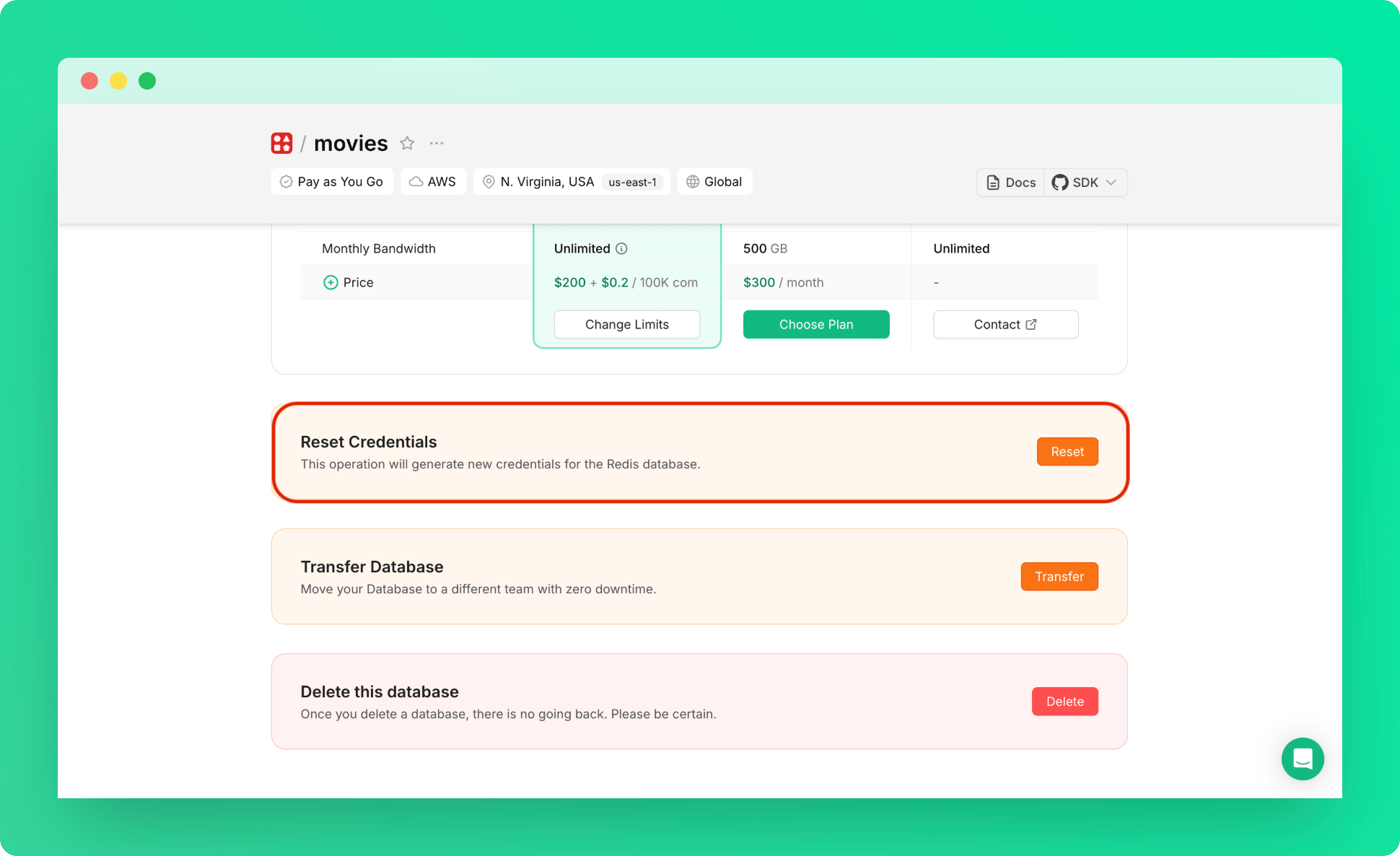
**Reset Credentials**: This function remains available and, when credential protection is enabled, will generate new protected credentials.
Disabling this feature will permanently revoke current credentials and
generate new ones, potentially breaking applications using those credentials.
## What If You Lose Your Credentials
**Reset Credentials**: This function remains available and, when credential protection is enabled, will generate new protected credentials.